# Use panel Object Views
Panel Object Views are embedded into applications across the Palantir platform to provide users with a consistent experience of object data across workflows. All object types have a [standard Object View](../standard-object-views/index.md) panel available by default, and you can build [configured panel Object Views](../config-panel-views/index.md) to display either an *object instance* or an *object set*.
## Panel Object Views in platform applications
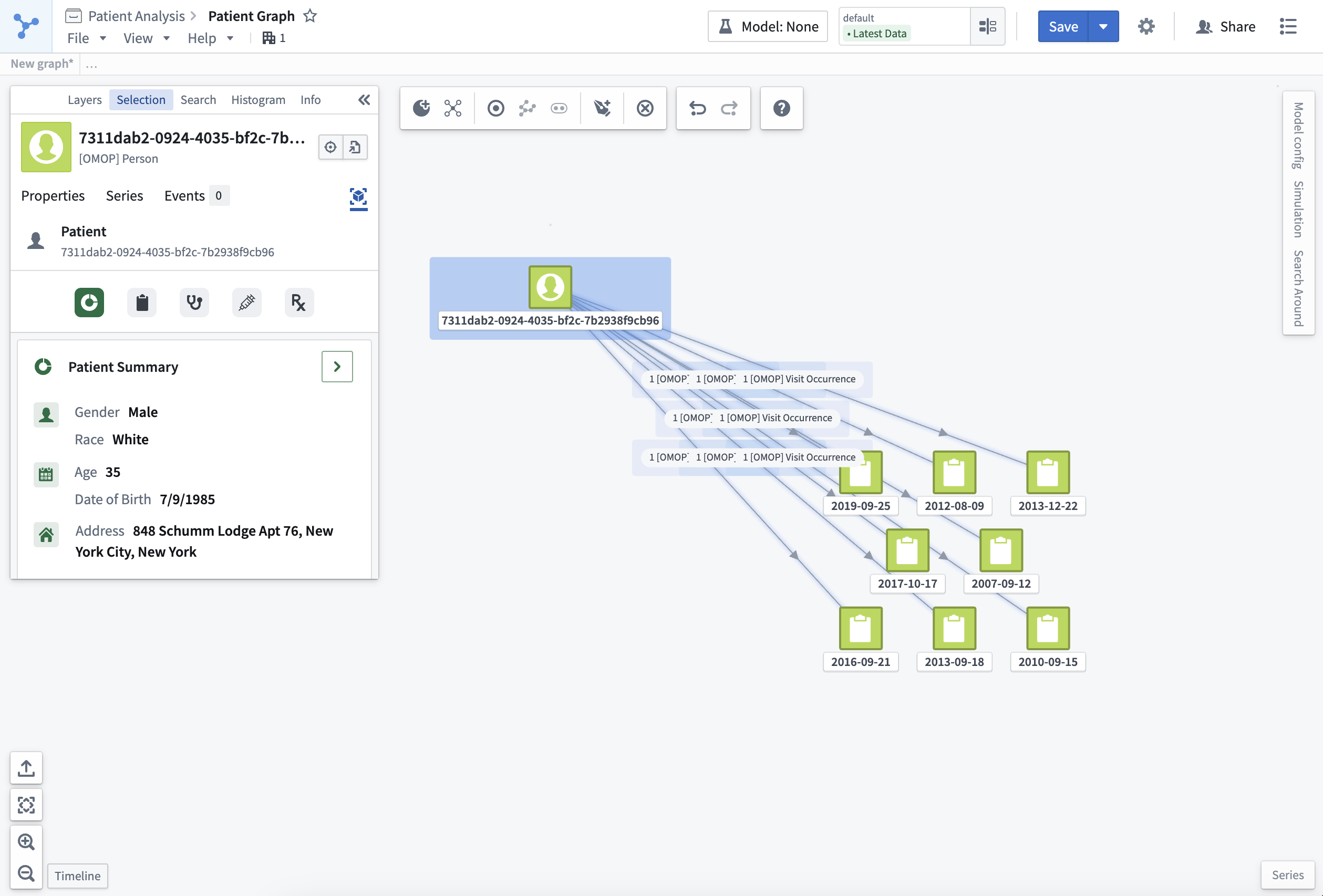
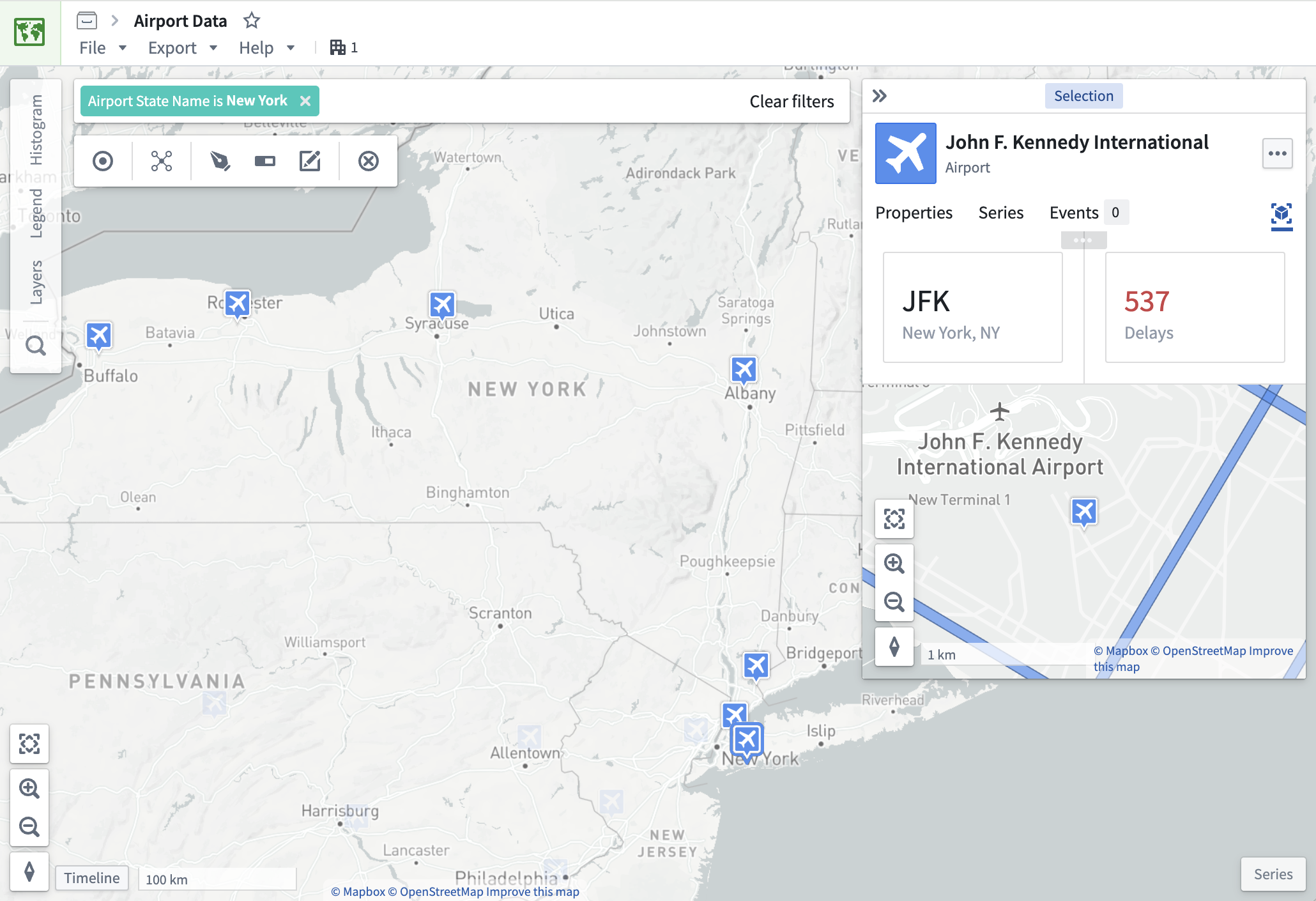
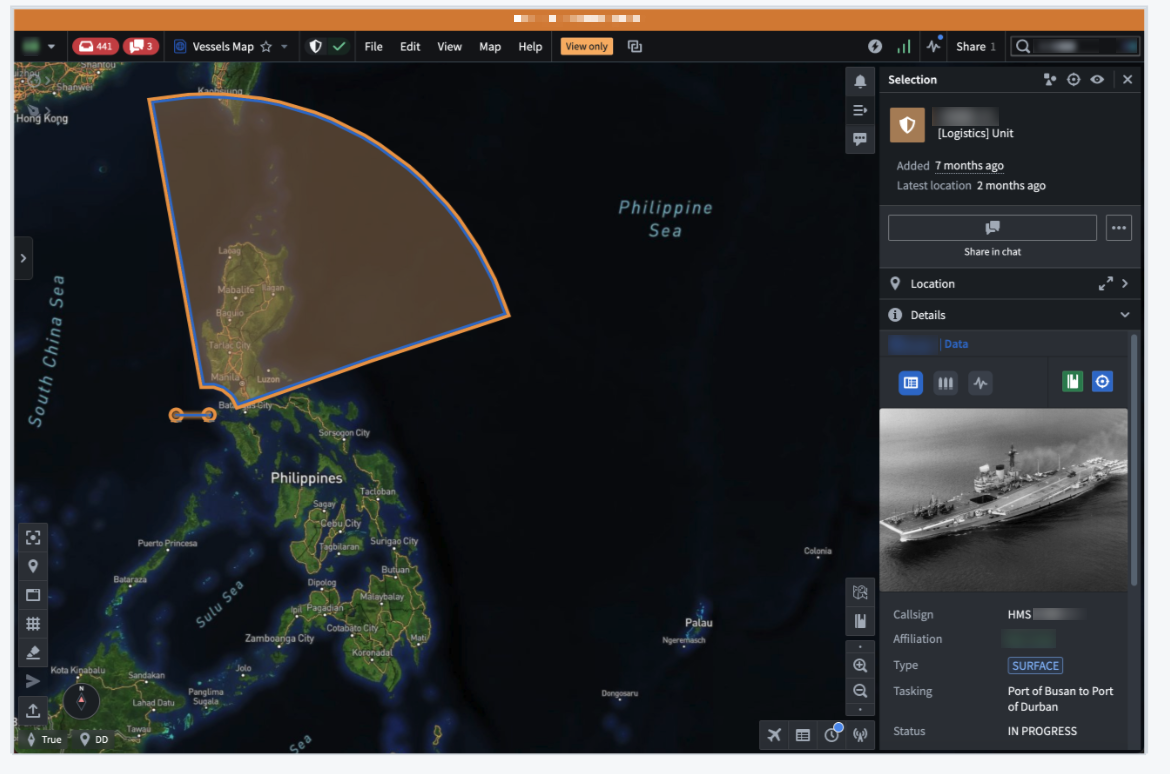
Panel object views can appear across Palantir platform applications, such as [Vertex](../../vertex/overview/index.md), [Map](../../map/overview/index.md), and Gaia.
### Object instance panels
Object instance panels display a single instance of an object type and appear in an application's selection panel.
 ### Object set panels
Object set panels display an aggregated view of multiple instances of a single object type. They appear in applications when you select an object set comprised of several instances of the same object type.
### Object set panels
Object set panels display an aggregated view of multiple instances of a single object type. They appear in applications when you select an object set comprised of several instances of the same object type.
 ## Panels in Workshop applications
Panels can be used in custom Workshop applications to provide a compact view of object data. To enable this, use Workshop's [Object View widget](../../workshop/widgets-object-view/index.md), configured to show the panel form factor.
## Panels in Workshop applications
Panels can be used in custom Workshop applications to provide a compact view of object data. To enable this, use Workshop's [Object View widget](../../workshop/widgets-object-view/index.md), configured to show the panel form factor.