# Create a struct property type
Create and configure a new struct property from the **Object types** page in Ontology Manager. For more information about struct properties, see the [overview](../structs-overview/index.md).
1. In Ontology Manager, open the **Object types** tab in the left sidebar and select an existing object type.
2. In the object type details page, open the **Properties** tab in the left sidebar, and select the **Create property** button on the top right of the **Properties** table.
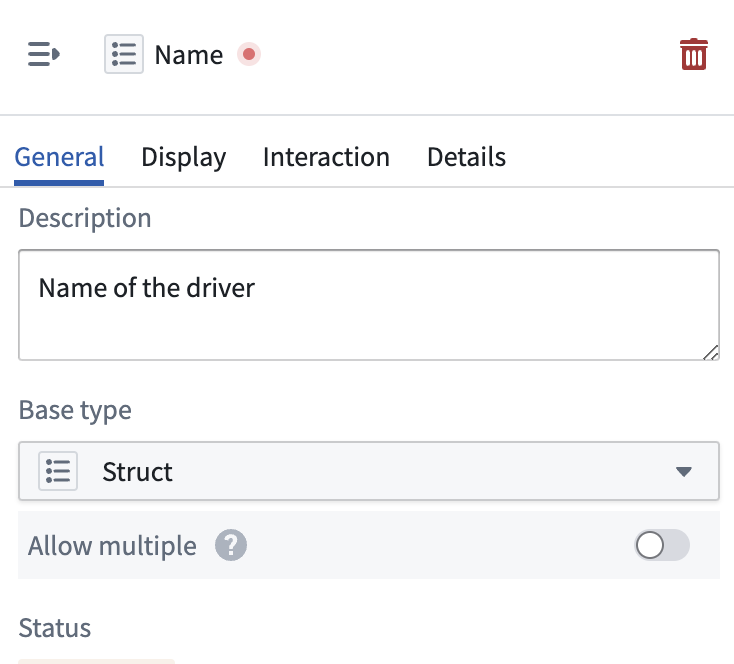
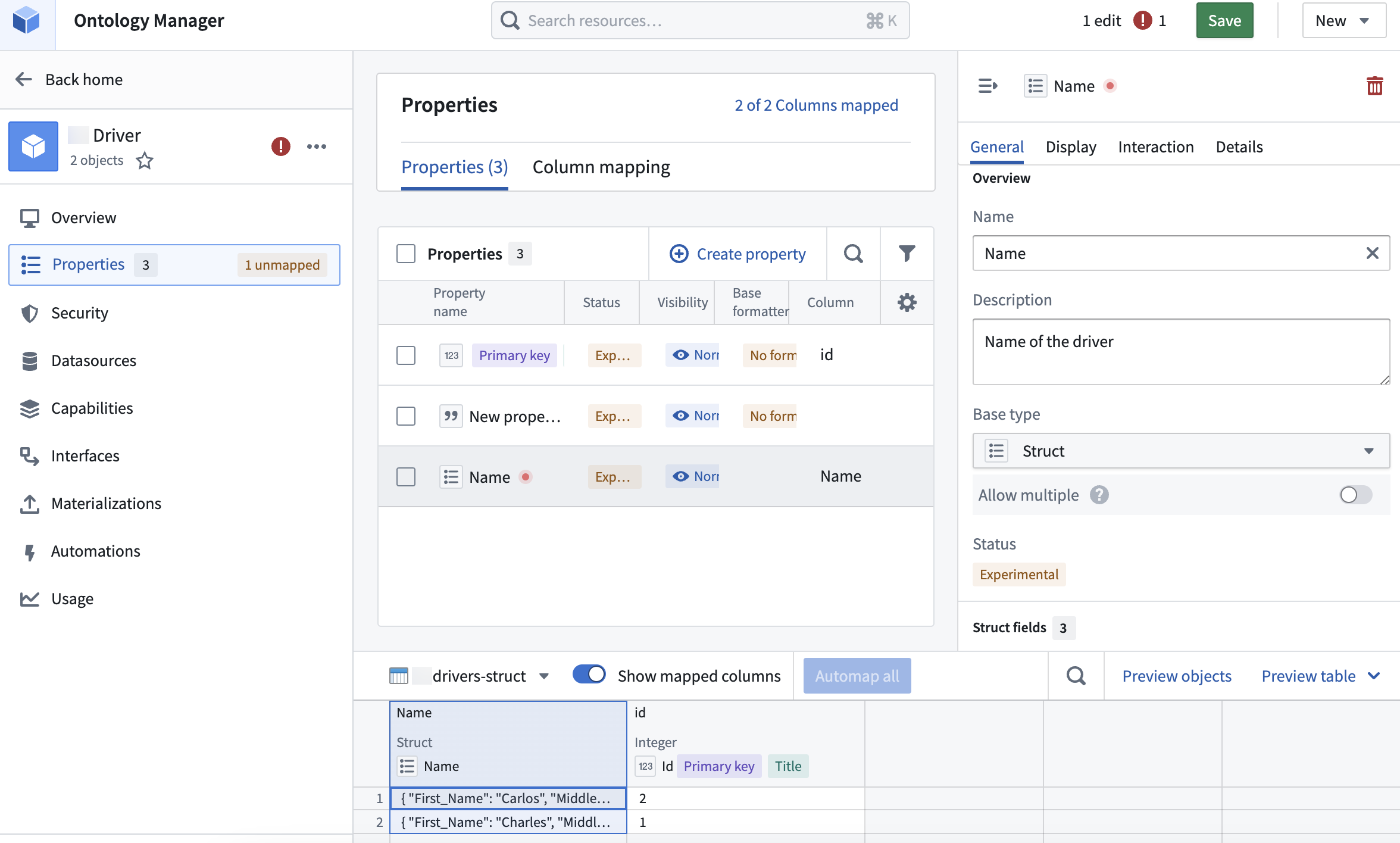 3. In the **Property editor** panel, add a name and description, and select **Struct** from the **Base type** dropdown menu.
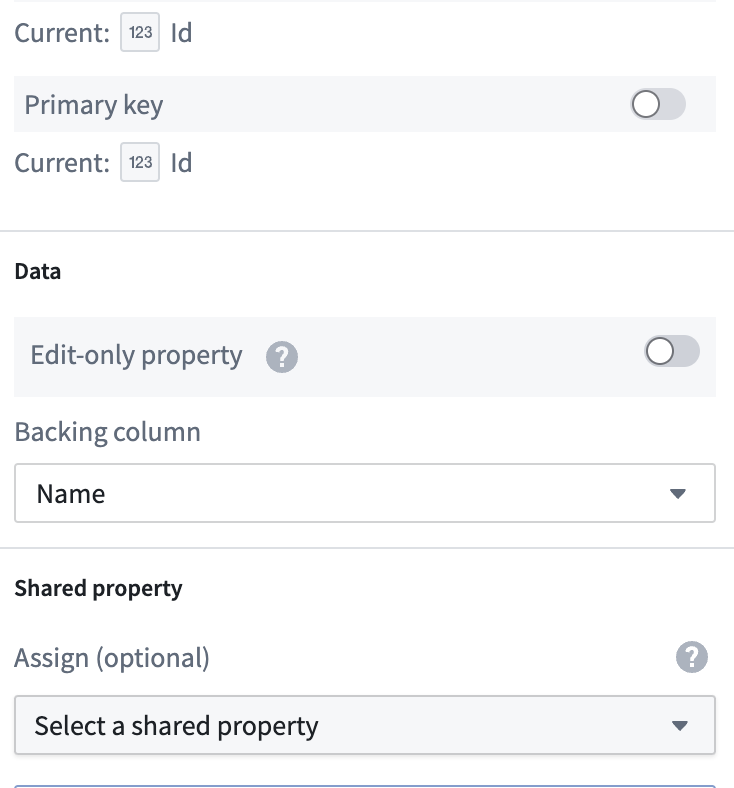
 4. Scroll down to the **Data** section and select a **Backing column** from the dropdown.
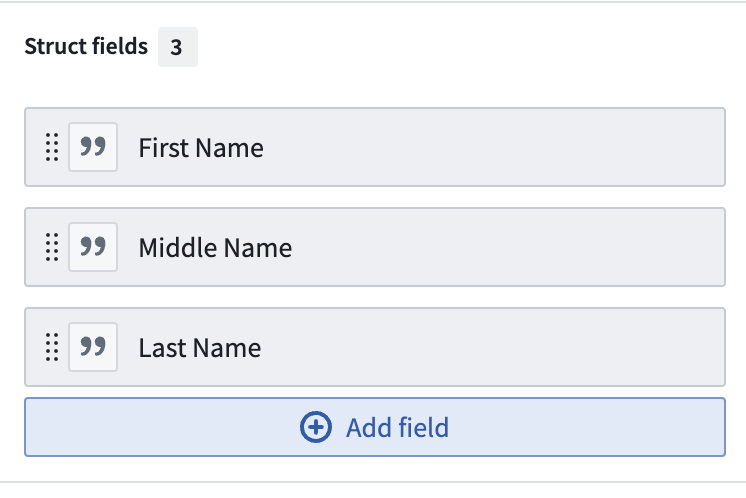
 5. In the **Struct fields** section, select **Add field**, then **New field**.
 6. Name the new struct field and optionally add a description.
7. Lastly, map a column from a datasource to the new struct field.
6. Name the new struct field and optionally add a description.
7. Lastly, map a column from a datasource to the new struct field.