# Submit a model to an objective
You can submit a model to a modeling objective via the [UI](#submission-via-ui).
## Submission via UI
To submit a model to a new modeling objective, select the blue **Submit model** button from the objective home page:
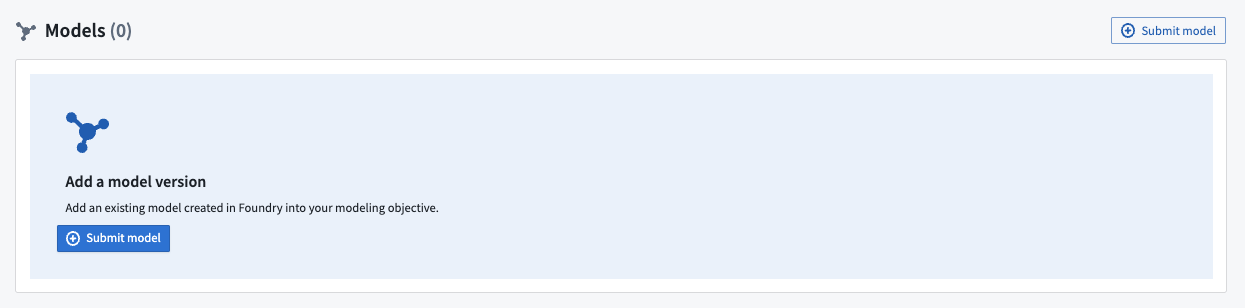 Or, from an existing modeling objective, click **Submit model** at the top right of the models view.
 For most models, including [Model Assets](../../integrate-models/integrate-overview/index.md), select **Model** as shown, then navigate to and select the relevant model resource.
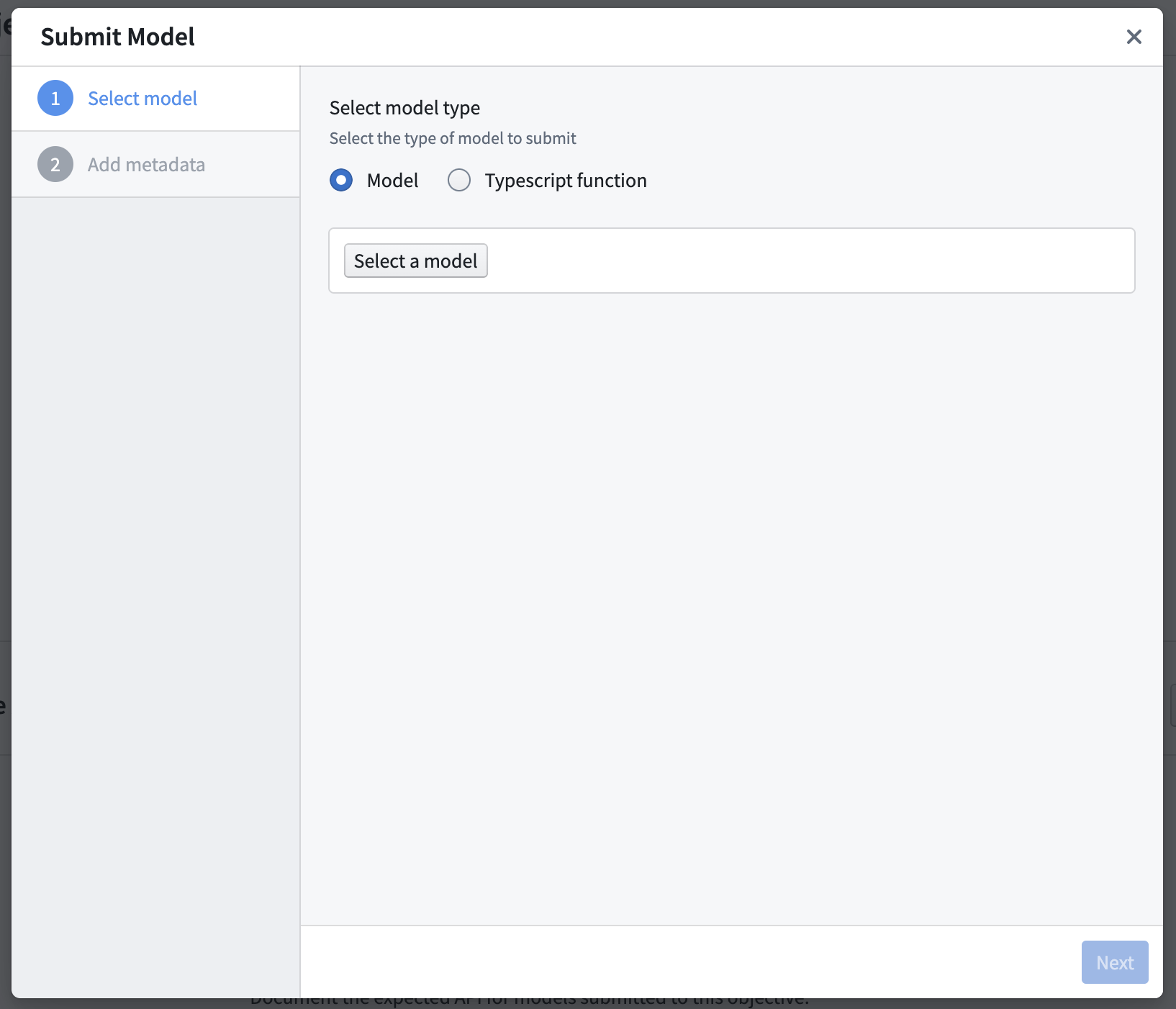 Finally, if applicable, fill out any [required metadata for this objective](../configure-objective-metadata/index.md) and choose **Submit**.