# Object sets
An object set represents an unordered collection of objects of a single media type. See [media types](../drag-and-drop-overview/index.md#media-types) and [Palantir media types](../drag-and-drop-overview/index.md#palantir-media-types) for more information.
## Foundry
These are media types primarily used for transporting data in Foundry and are backed by Foundry concepts.
### Foundry object set
**Media type:** `"application/x-vnd.palantir.rid.object-set.temporary-object-set"`
**Data shape:** `string[]`
This media type can be used for transporting Foundry object set RIDs on a DataTransfer. See [object sets (TSv1)](../../functions/api-object-sets/index.md#api-object-sets) for more information.
Refer to the [drag and drop zone tutorial](../tutorial/index.md) for guidance on how to use this media type to implement drag and drop for your application.
#### Usage
This media type can be written to a DataTransfer as follows:
```typescript
const objectSetRids = ["ri.object-set.main.temporary-object-set.XXXXXXXX", "ri.object-set.main.temporary-object-set.YYYYYYYYY"]
event.dataTransfer.setData(
"application/x-vnd.palantir.rid.object-set.temporary-object-set",
JSON.stringify(objectSetRids)
);
```
#### Examples
If your Workshop section title is made draggable, it becomes a drag zone that adds the object set media type to the drag payload.
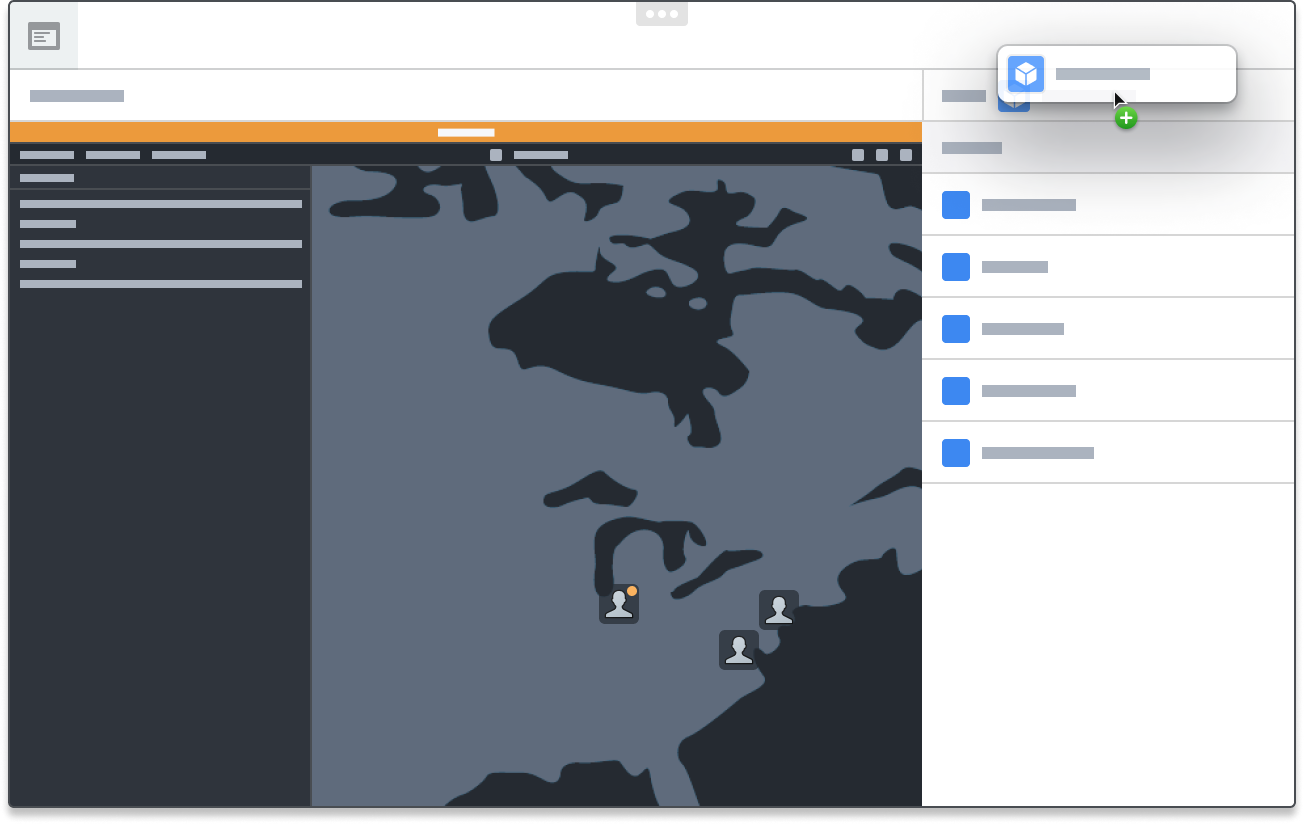 This drag payload can then be dropped onto a Vertex graph.