# Move and share resources
It is simple to move and share resources between spaces on the Palantir platform.
## Move resources
Select a file to move, then select the **Move** icon.
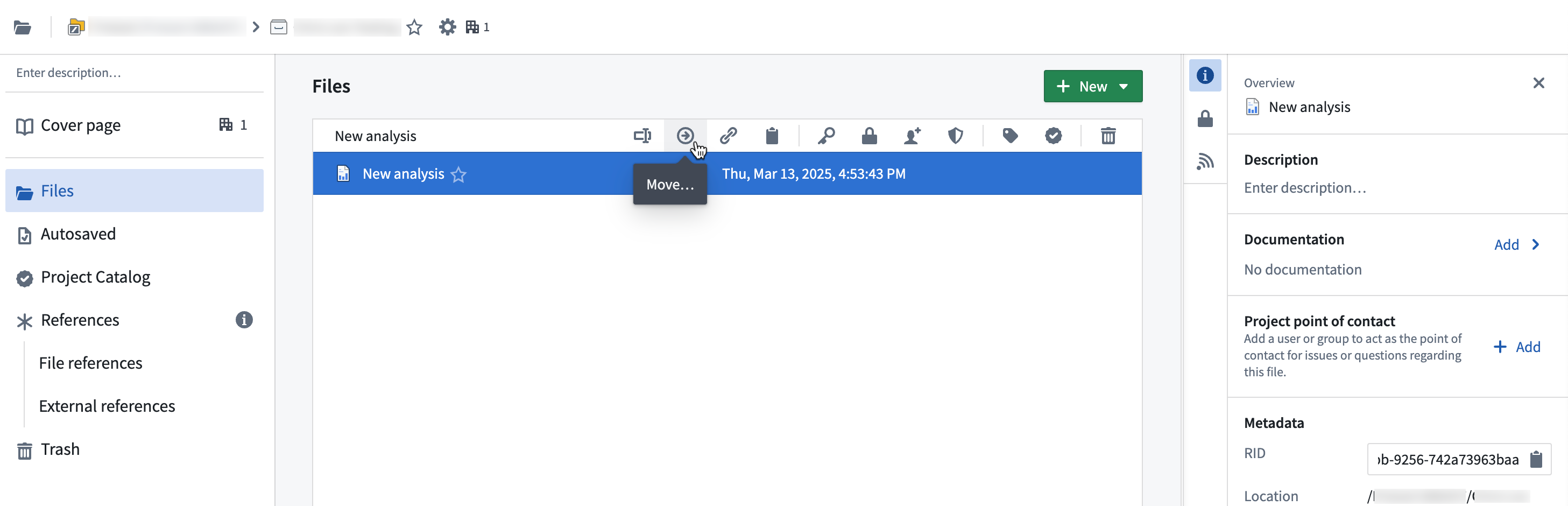
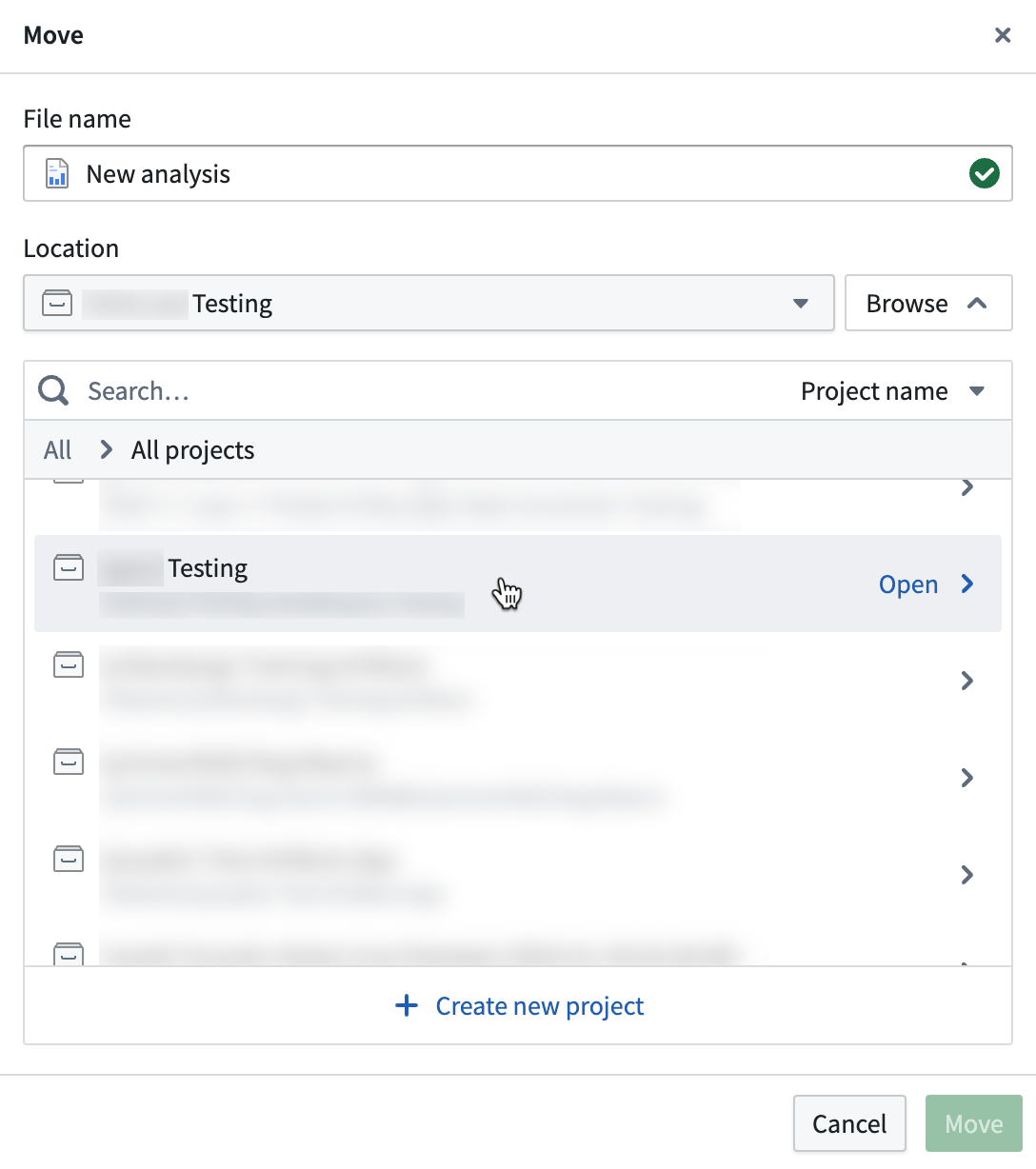
In the **Move** window, change the file name if desired, choose a new location for your file using the location dropdown menu and select **Move**. You may also use **Browse** to navigate for your preferred move location.
 :::callout{theme="neutral"}
You will need specific cross-Project permissions to move a file out of a Project and into another. Typically, only the resource `Owner` can move files out of Projects.
:::
## Share and manage resources
When you create a new resource (a dataset or a **[Contour](../../contour/overview/index.md)** analysis, for example), you can make the resource available to a group of users by saving it to a relevant Project.
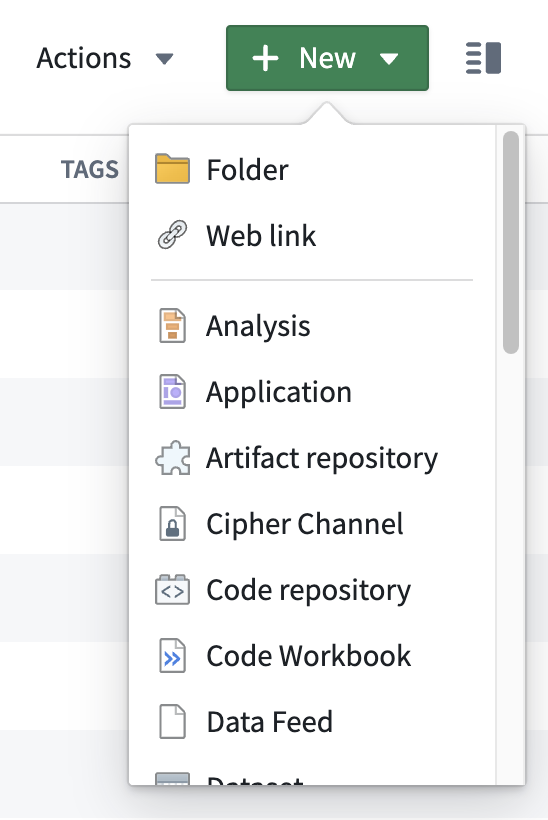
You can also create resources directly from your Project by selecting **+ New** in the upper right of the Project dashboard.
:::callout{theme="neutral"}
You will need specific cross-Project permissions to move a file out of a Project and into another. Typically, only the resource `Owner` can move files out of Projects.
:::
## Share and manage resources
When you create a new resource (a dataset or a **[Contour](../../contour/overview/index.md)** analysis, for example), you can make the resource available to a group of users by saving it to a relevant Project.
You can also create resources directly from your Project by selecting **+ New** in the upper right of the Project dashboard.
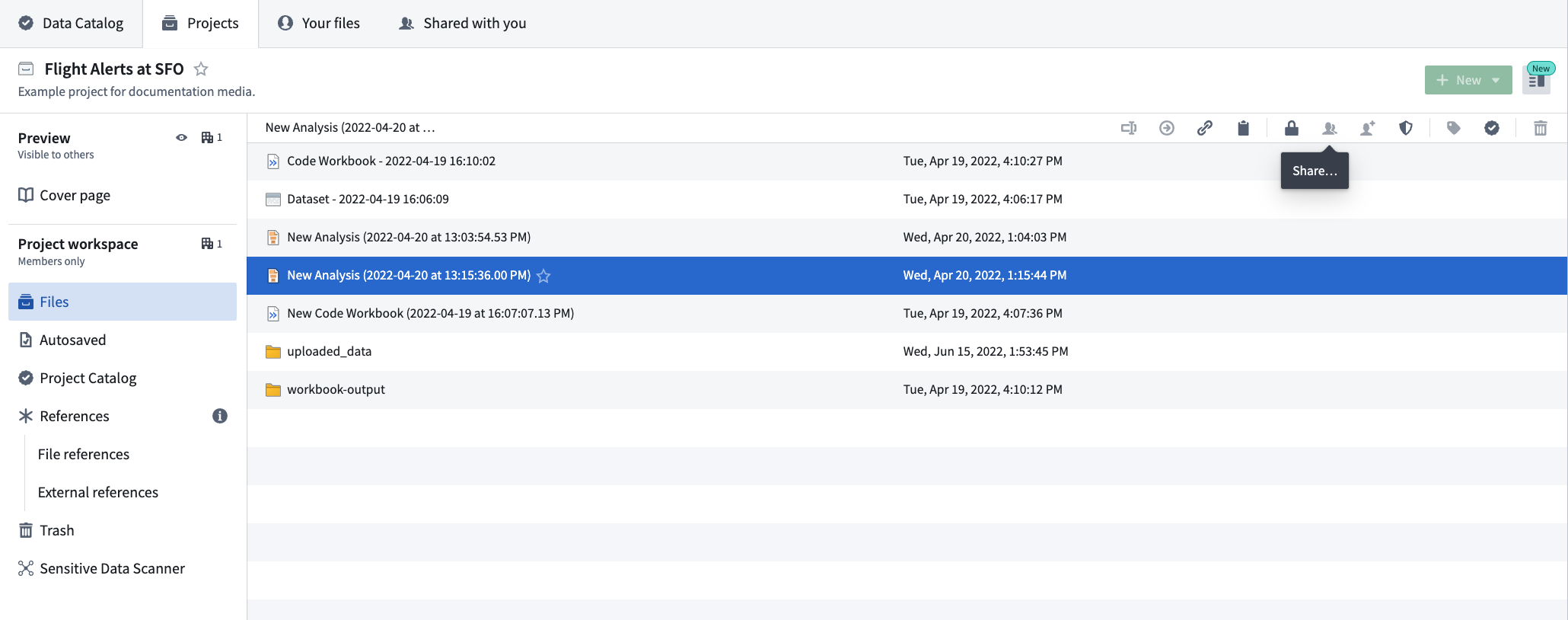
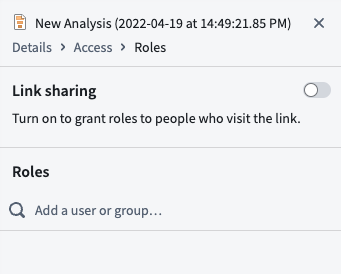
 The platform also allows you to share files and other resources and view permissions with **Share** actions. Select any resource and then the **Share** icon to view the **Share** panel.
In the **Share** panel, you can activate link sharing so anyone with the link can access the resource. You can also grant access to specific users or groups.
The platform also allows you to share files and other resources and view permissions with **Share** actions. Select any resource and then the **Share** icon to view the **Share** panel.

In the **Share** panel, you can activate link sharing so anyone with the link can access the resource. You can also grant access to specific users or groups.
