# Configure workspace updates
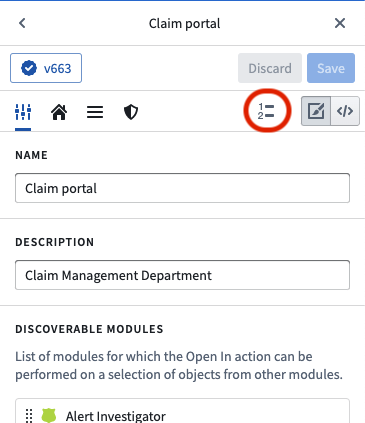
The entry point for configuring workspace updates is in the workspace editor view. This opens up a dialog in which the updates are configured (the update dialog). Workspace updates are saved separately from the workspace configuration itself; to persist any workspace updates, you need only save in the update dialog and do not need to save the workspace configuration as well (unless there are other changes beyond updates).
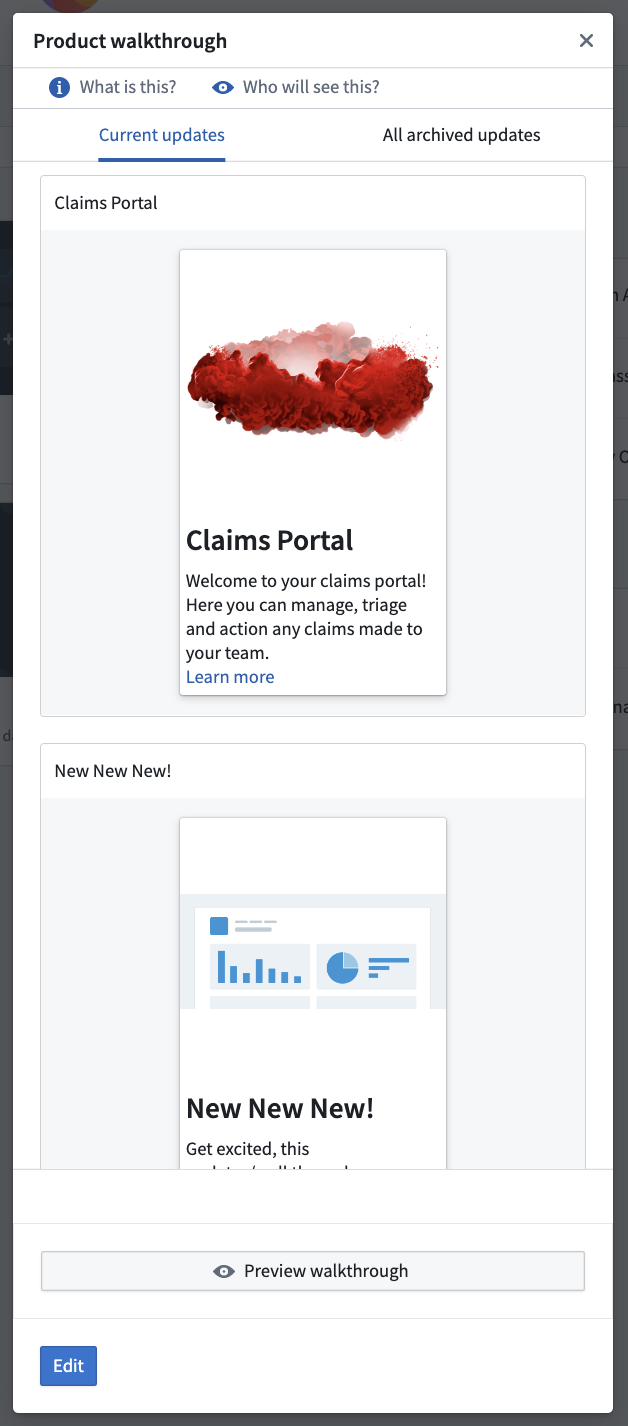
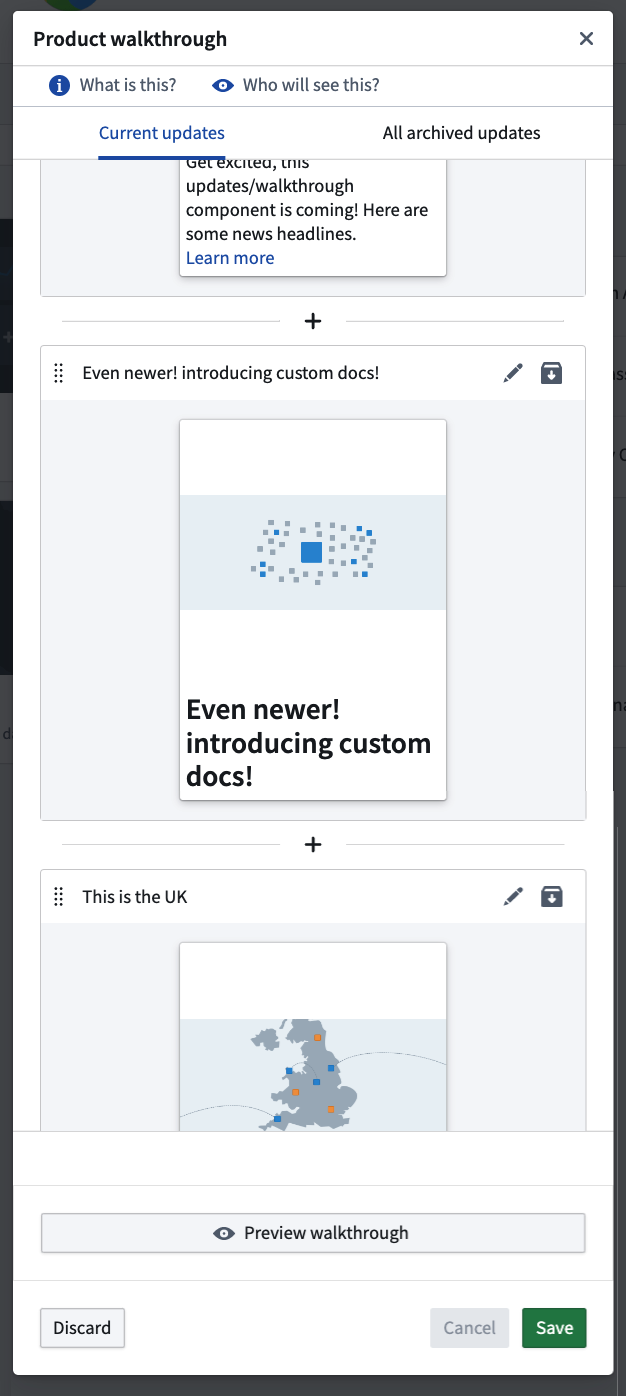
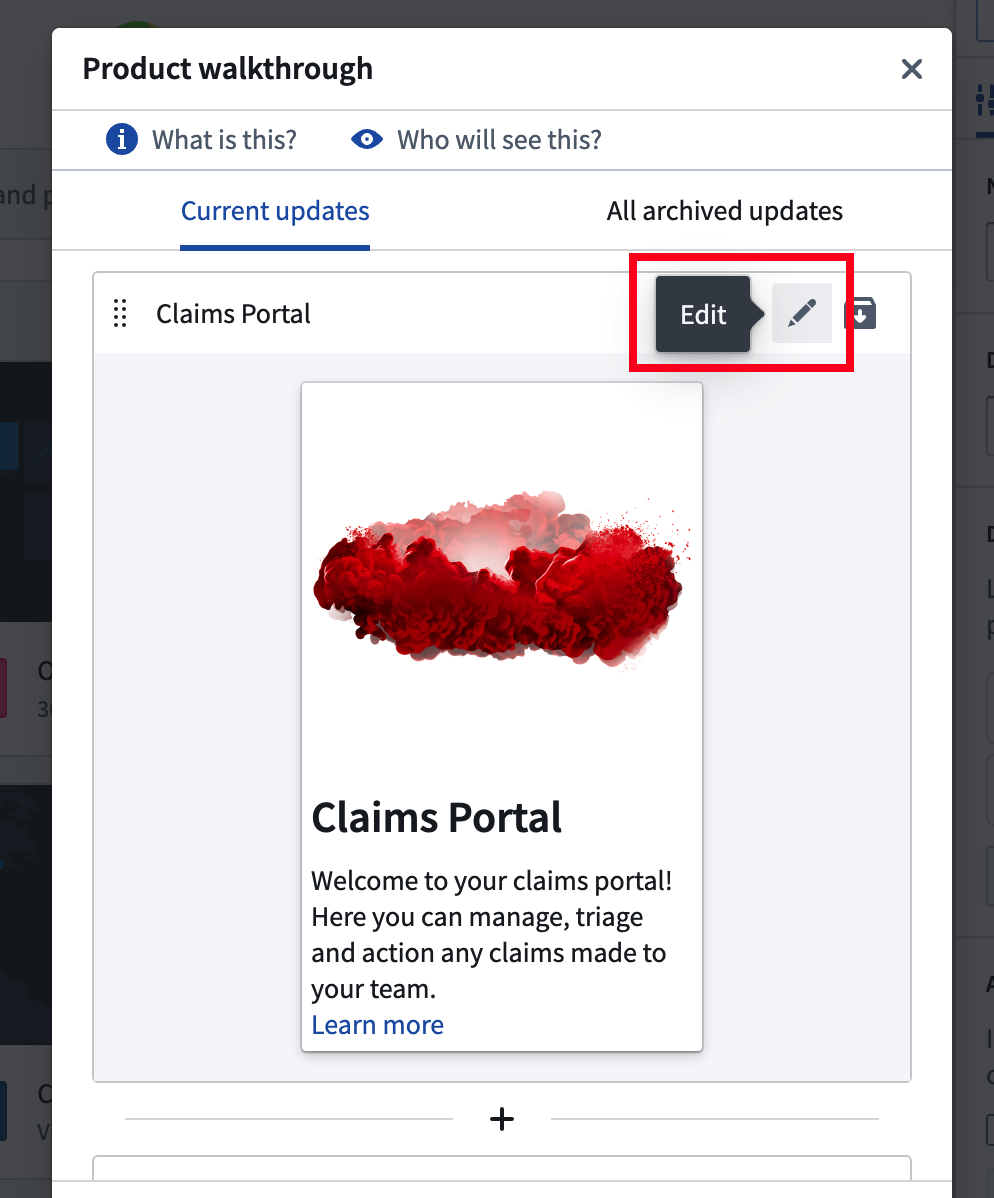
 You can then preview the current walkthrough and edit the latest walkthrough by re-ordering, archiving, creating new, or editing existing walkthrough pages.
 When you edit a walkthrough page, you can customize the following options:
* Title (required)
* Description
* Media
* Documentation
A live-updating side-by-side preview will be displayed while editing, as shown in the screenshot below.
When you edit a walkthrough page, you can customize the following options:
* Title (required)
* Description
* Media
* Documentation
A live-updating side-by-side preview will be displayed while editing, as shown in the screenshot below.
 ## Archiving and deleting updates permanently
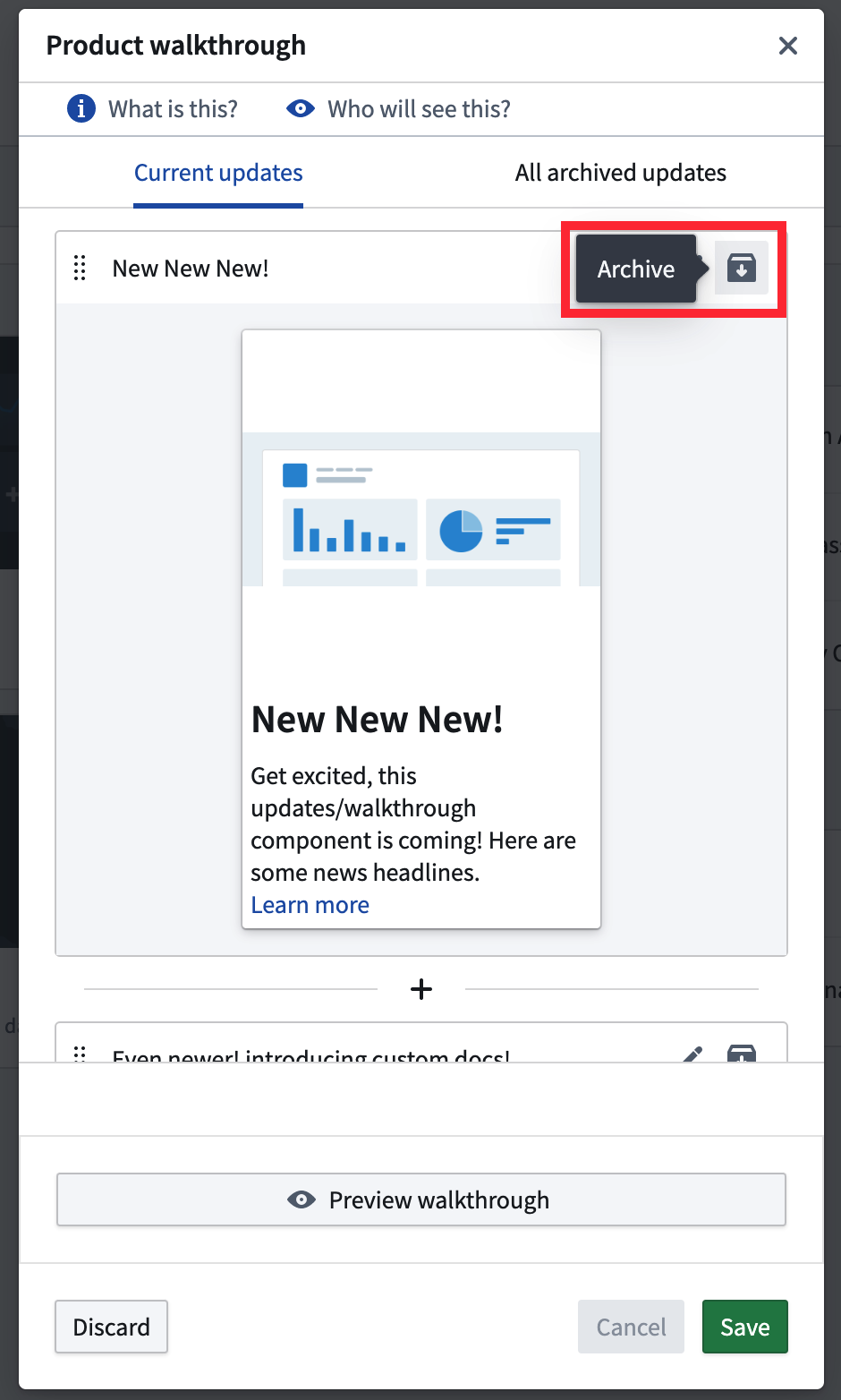
Workspace updates may become outdated as the configuration and composition of the workspace change. For example, an update might refer to a Carbon module which is no longer present in the workspace, or to module content which might have changed with a newer version of the module. To address this, you can temporarily archive an update (retaining the ability to unarchive the update later) or permanently delete an update.
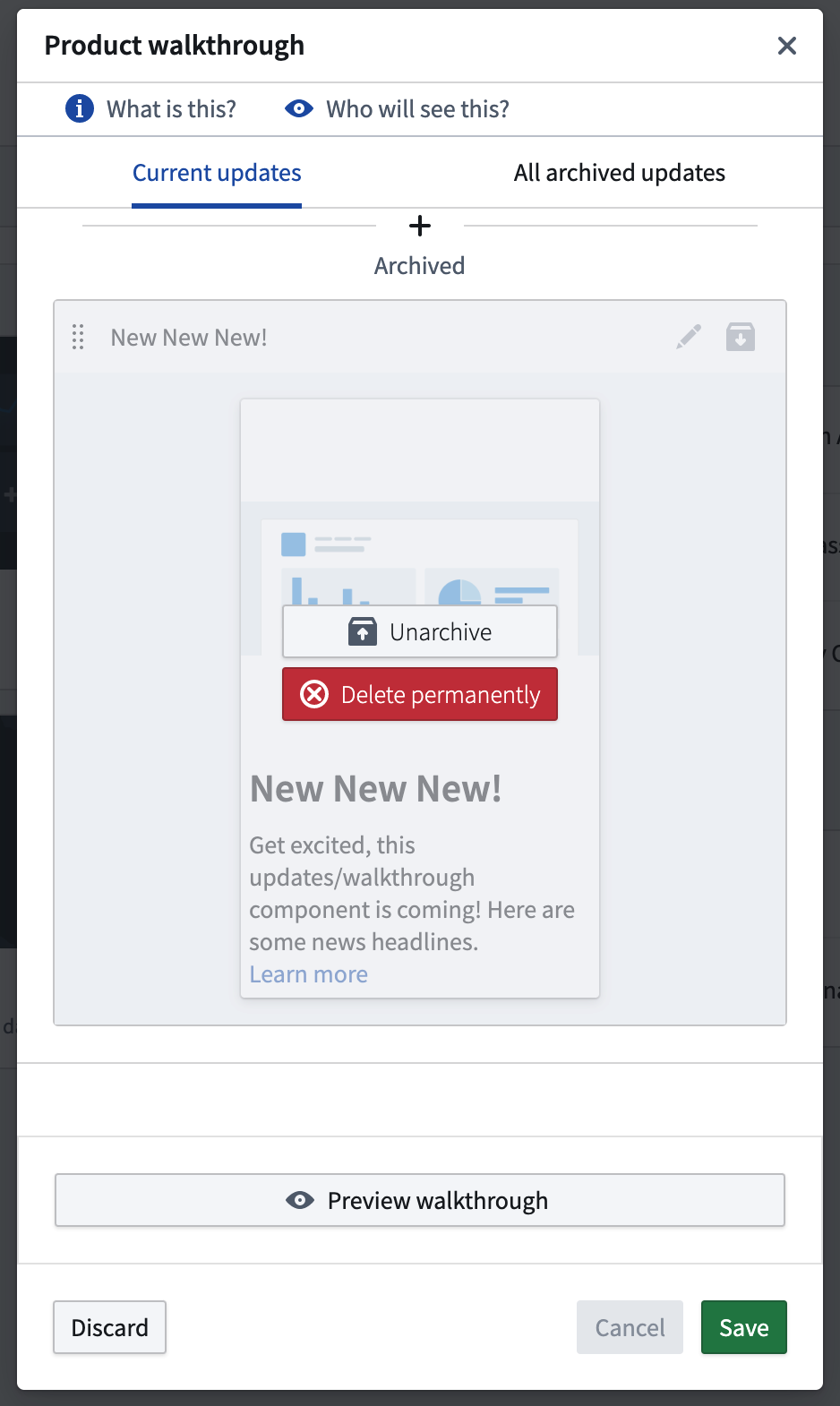
Once the **Archive** button is clicked, the update will be moved to the bottom of the list, where it can be unarchived or deleted. This will take effect once the changes are saved. Content deleted permanently cannot be retrieved and will no longer be viewable by any user.
## Archiving and deleting updates permanently
Workspace updates may become outdated as the configuration and composition of the workspace change. For example, an update might refer to a Carbon module which is no longer present in the workspace, or to module content which might have changed with a newer version of the module. To address this, you can temporarily archive an update (retaining the ability to unarchive the update later) or permanently delete an update.
Once the **Archive** button is clicked, the update will be moved to the bottom of the list, where it can be unarchived or deleted. This will take effect once the changes are saved. Content deleted permanently cannot be retrieved and will no longer be viewable by any user.
 ### All archived updates
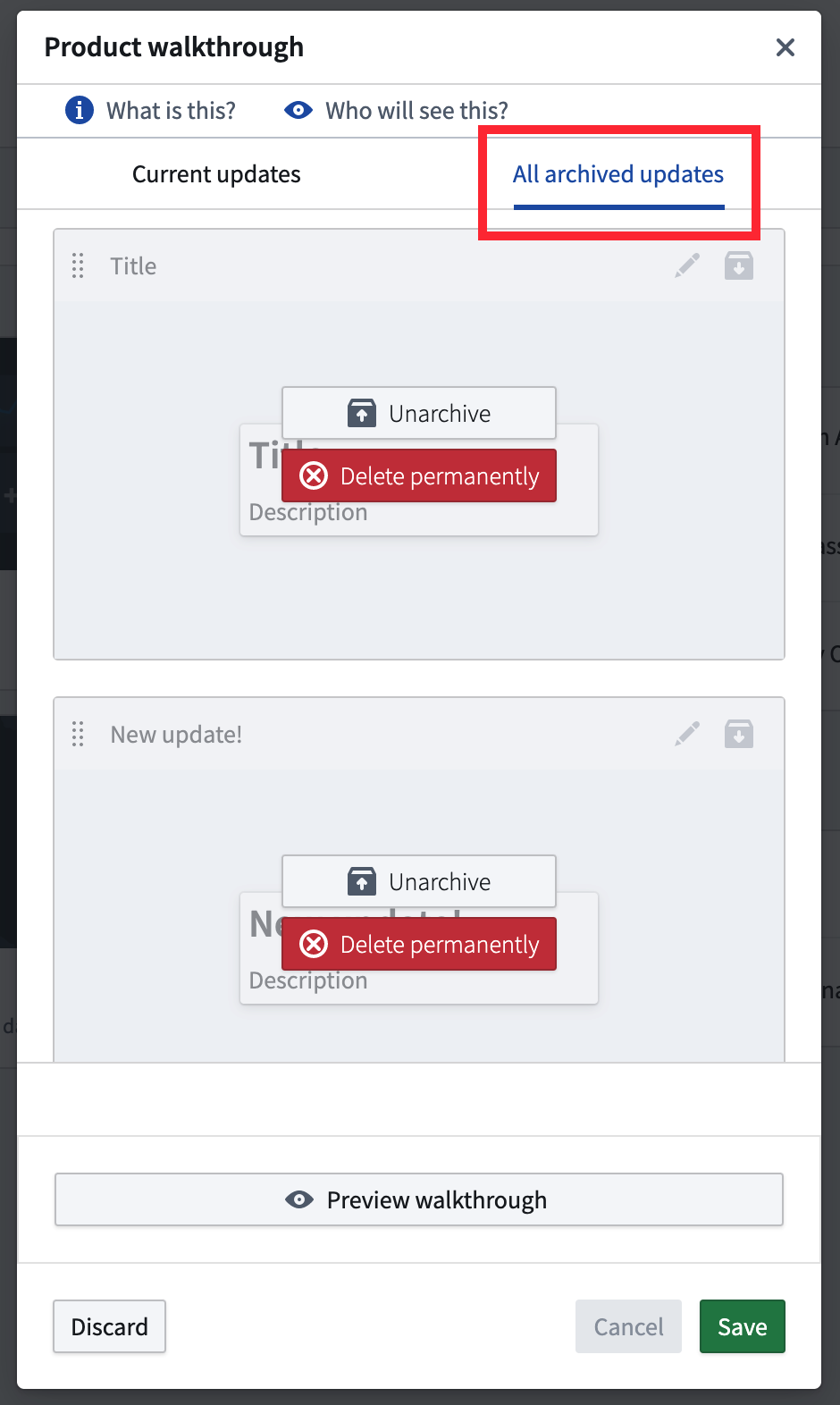
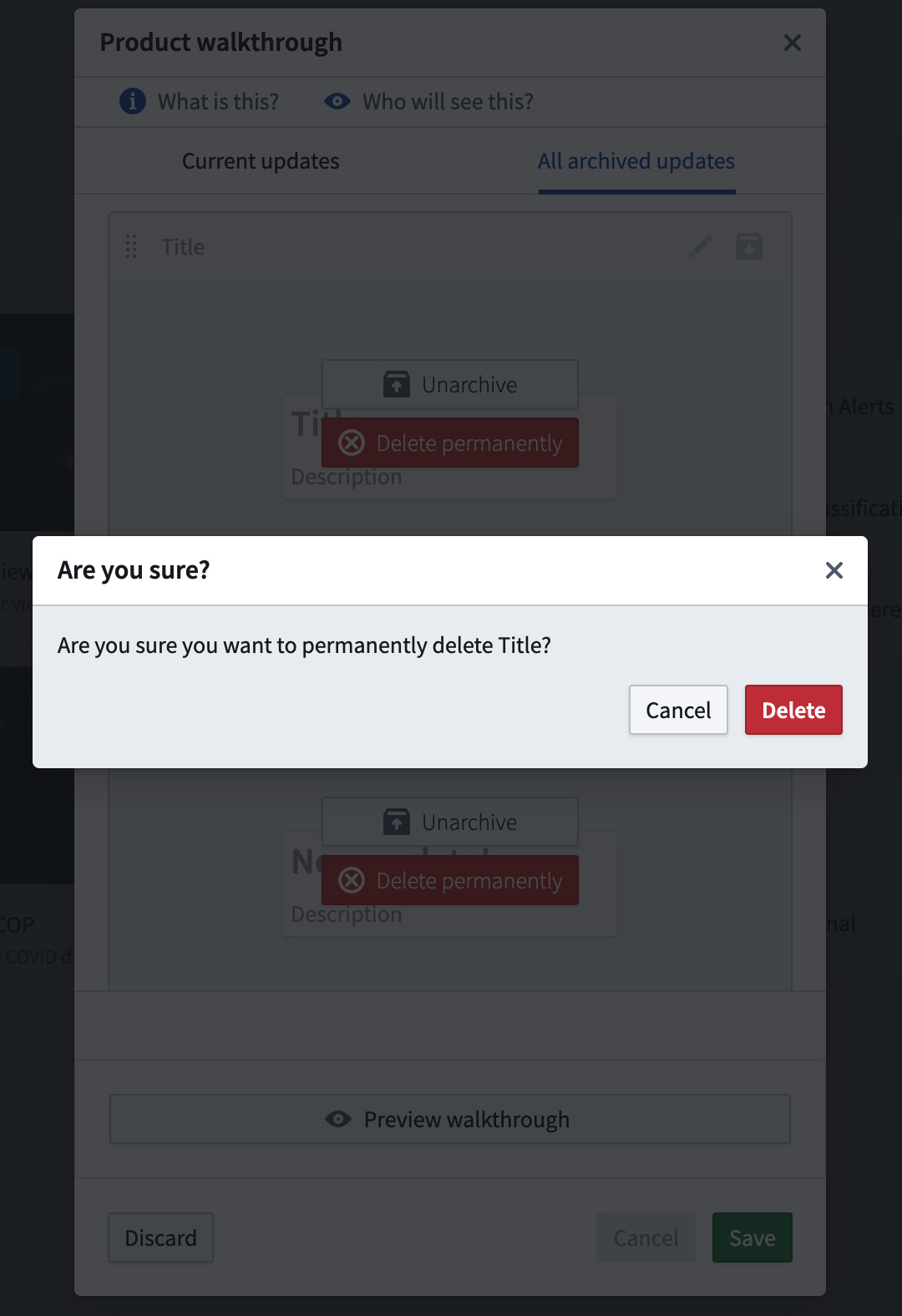
You can browse all archived (but not deleted) updates in the **All archived updates** tab of the editor. Any update from the list can be unarchived and restored to the list, or deleted permanently. When selecting the delete action, you will receive a confirmation dialog to check whether deletion is the intended action; after confirmation, deletion from the **All archived updates** list occurs immediately.
### All archived updates
You can browse all archived (but not deleted) updates in the **All archived updates** tab of the editor. Any update from the list can be unarchived and restored to the list, or deleted permanently. When selecting the delete action, you will receive a confirmation dialog to check whether deletion is the intended action; after confirmation, deletion from the **All archived updates** list occurs immediately.
 ## View
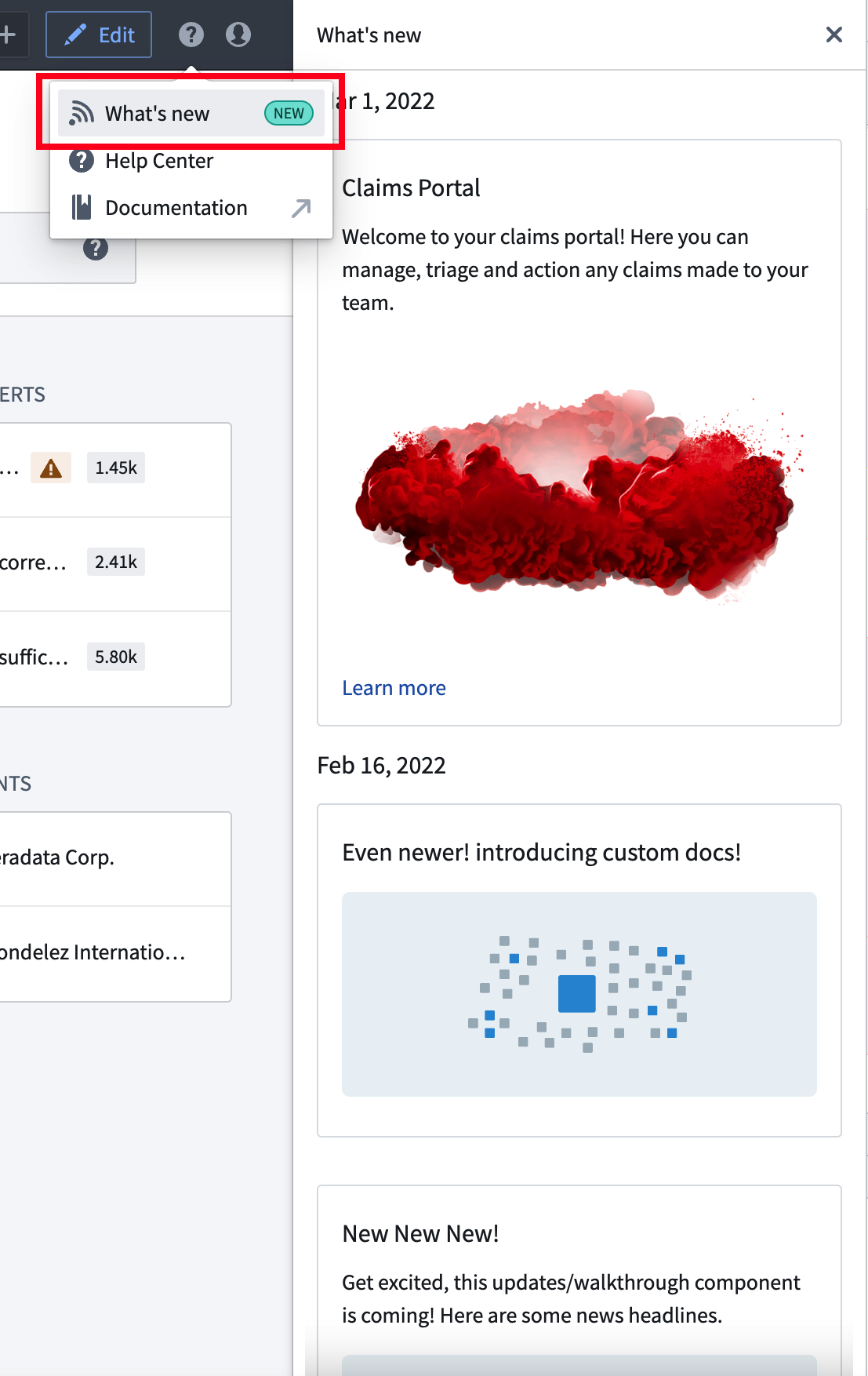
The user will see any steps in the latest set of configured workspace updates which they have not previously seen. These updates will be shown to them when they land on the workspace.
## View
The user will see any steps in the latest set of configured workspace updates which they have not previously seen. These updates will be shown to them when they land on the workspace.
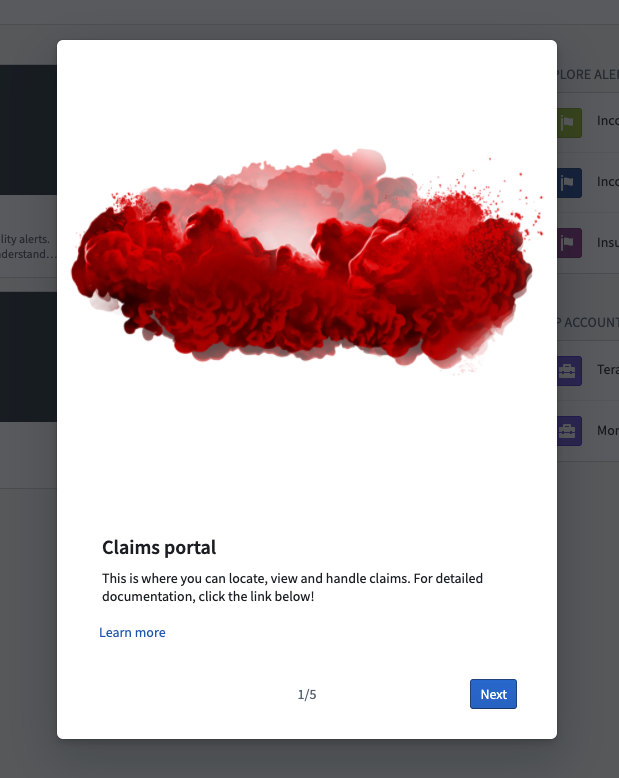
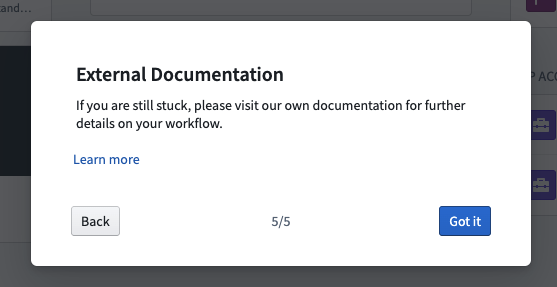 If the user exits the workspace updates early, they can see the updates (and all historic updates) in the **What's New** sidebar.